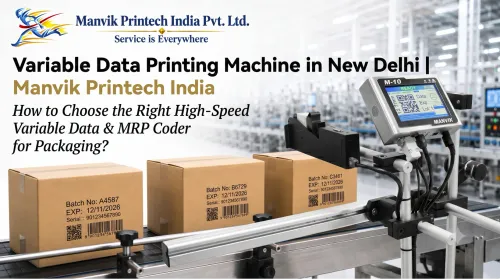
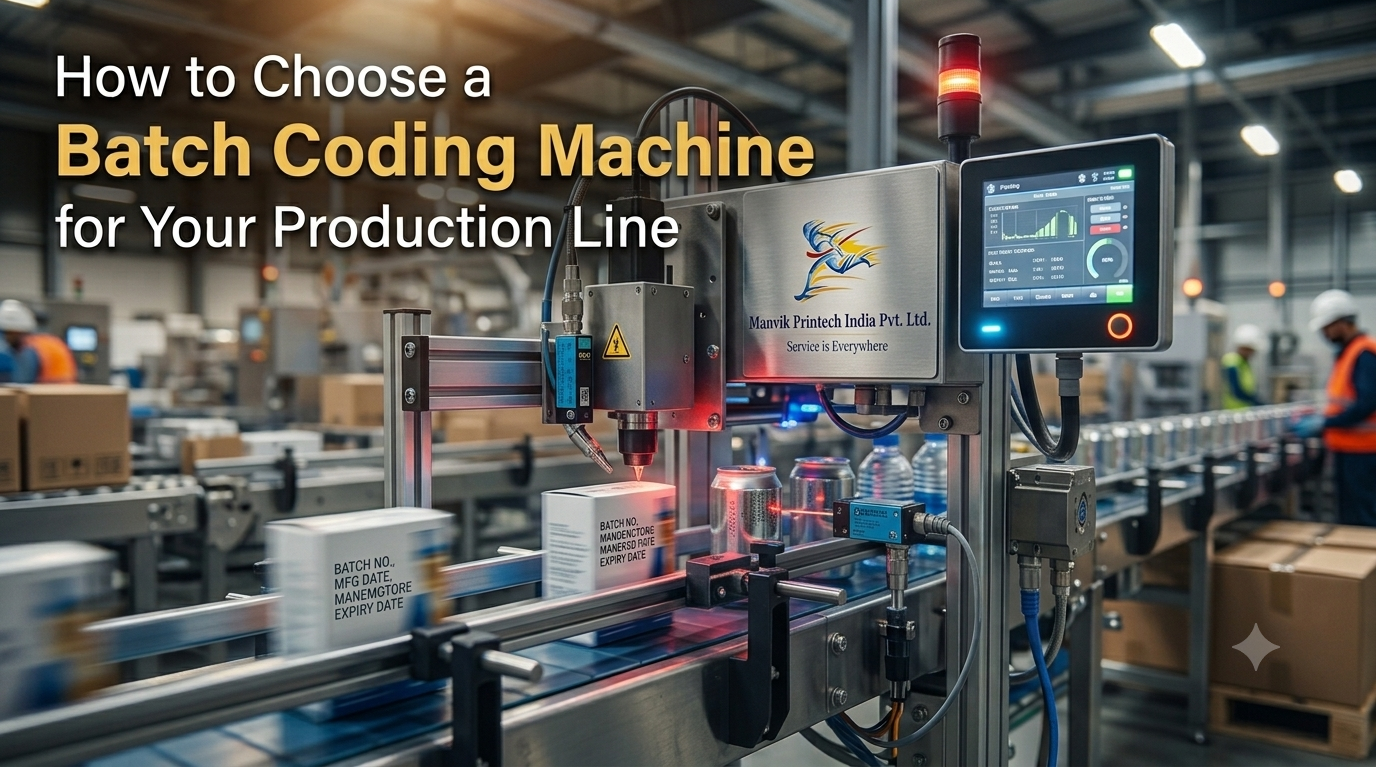
How to Choose a Batch Coding Machine for Your Production Line
Choosing a batch coding machine is not only a question of price or printing speed. The machine must work with your packaging material, product shape, code format, line speed and production environment.
A printer that performs well on an uncoated carton may not produce the same result on a glossy pouch. A system that works on a stationary box may not suit a fast-moving bottle line. The correct decision begins with the product and the code—not the machine name.
Start with the material
The first question is:
What surface must be printed or marked?
Common substrates include:
- Paper and corrugated cartons.
- Mono cartons.
- Plastic films and pouches.
- PET, PP, PE and HDPE containers.
- Glass bottles and jars.
- Metal parts.
- Aluminium foil.
- Pipes, wires and cables.
- Labels and coated packaging.
Different materials absorb, repel or react to ink and laser energy in different ways. Packaging coatings, varnishes, laminations, pigments and surface treatments also affect the result. A material test should be completed before a machine is selected.[domino-printing][busch-machinery]
Decide what information must be printed
The content of the code affects the required printer and print area.
You may need to print:
- Batch or lot number.
- Manufacturing date.
- Expiry or best-before date.
- MRP.
- Product code.
- Serial number.
- 1D barcode.
- QR code.
- Data Matrix code.
- Logo.
- Product specification.
- Cable, pipe or metre marking.
Printing a short date is different from printing a dense QR code. A long serial number may need more print width or a larger print height. Before requesting a quotation, prepare the actual message or artwork.
Also confirm:
- Number of lines.
- Character height.
- Code size.
- Print orientation.
- Print position.
- Variable or fixed data.
- Language or character requirements.
- Scanning or verification requirement.
Match the technology to the application
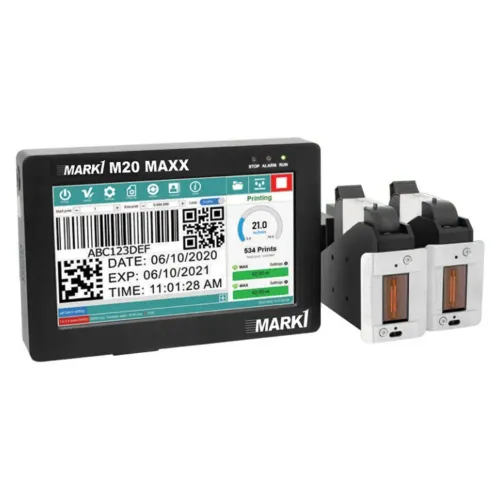
Thermal Inkjet printer
A TIJ printer is often evaluated for high-resolution coding on:
- Cartons.
- Labels.
- Pouches.
- Paperboard.
- Flexible packaging.
- Selected plastic surfaces.
TIJ systems can print clear text, barcodes and QR codes when the cartridge is compatible with the substrate. The printhead usually needs to remain close to a controlled printing surface.
Choose TIJ when high-resolution packaging codes are important and the product can pass the printhead in a stable position.
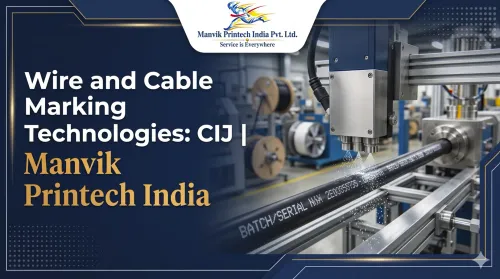
Continuous Inkjet printer
A CIJ printer is often considered for non-contact coding on moving or curved products such as:
- Bottles.
- Cans.
- Pipes.
- Wires.
- Cables.
- Films.
- Plastic containers.
- Metal components.
CIJ can be useful when the product moves continuously or the printhead cannot stay very close to the surface. Ink selection, drying, make-up fluid, nozzle care and line speed must be considered.
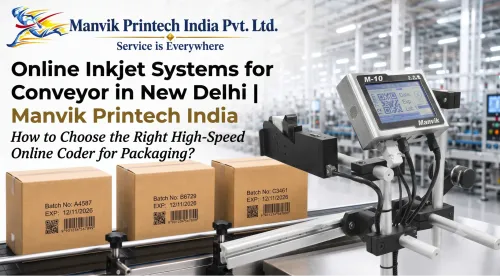
Online inkjet printer
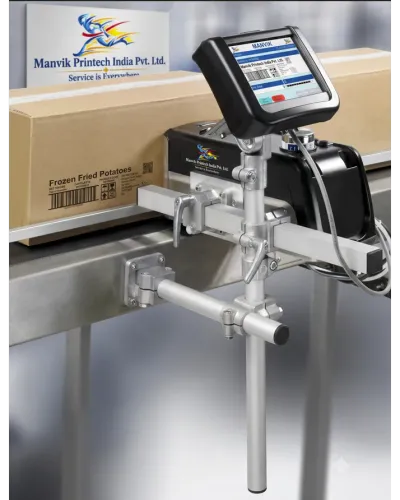
An online printer is mounted beside a conveyor or packaging line. A sensor detects the product and triggers the print.
It may suit manufacturers who want to replace manual stamping with automatic coding. Product guides, sensor timing, product spacing and conveyor stability affect print position.
Fiber laser marking machine
Fiber laser is commonly evaluated for durable marking on:
- Stainless steel.
- Mild steel.
- Aluminium.
- Brass.
- Copper.
- Titanium.
- Selected engineering plastics.
Applications include part numbers, serial numbers, logos, QR codes and Data Matrix codes. The required mark depth, surface finish and alloy must be tested.
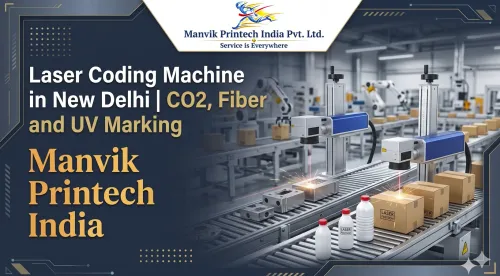
CO₂ laser coder
CO₂ laser systems may be considered for suitable:
- Cartons.
- Paperboard.
- Labels.
- Glass.
- PET.
- Plastic packaging.
- Films.
They can create permanent marks without ink or ribbon, but the material must respond properly to the laser wavelength.
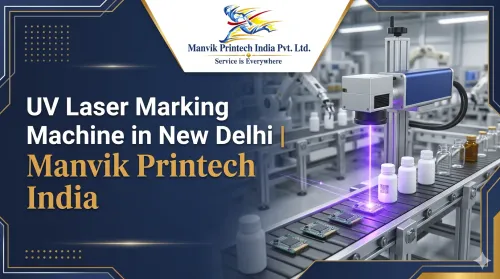
UV laser marking machine
UV laser may be evaluated for selected:
- Plastics.
- Glass.
- Ceramics.
- Electronics.
- PCBs.
- Medical components.
- Heat-sensitive materials.
A UV system may be useful for fine or low-heat marking, but “low heat” does not mean “no heat.” Sample testing remains necessary.
Compare line speed realistically
Do not select a machine based only on the maximum speed printed in a brochure. Practical speed depends on:
- Message length.
- Number of lines.
- Character height.
- Barcode or QR-code density.
- Print resolution.
- Product spacing.
- Surface speed.
- Printhead distance.
- Drying time.
- Marking area.
A date code on a bottle may run at a different speed from a four-line code and QR symbol on a carton. Ask the supplier to test the actual message at the actual line speed.
For pipes, cables and extrusion lines, an encoder may be needed to coordinate the print with product movement. For conveyor packaging, sensors and product guides can help maintain position.
Consider the product shape
The product may be:
- Flat.
- Curved.
- Cylindrical.
- Irregular.
- Flexible.
- Moving continuously.
- Rotating.
- Wet or cold.
- Oily or dusty.
TIJ is often more comfortable on controlled flat surfaces. CIJ may be more practical for curved or moving products. Laser systems may require a fixture, rotary attachment or controlled product position.
If a pouch moves unpredictably or a bottle rotates during printing, the machine may produce a shifted or distorted code even when the printer is operating normally.
Check the production environment
The area around the coding station affects machine selection.
Review:
- Dust.
- Moisture.
- Condensation.
- Temperature.
- Oil.
- Cleaning chemicals.
- Vibration.
- Product heat.
- Available electrical supply.
- Available mounting space.
- Fume and extraction needs.
Cable and pipe lines may generate heat and dust. Beverage lines may create condensation. Food and pharmaceutical lines may require cleaning procedures. Laser systems may need guarding and extraction depending on the material and process.
Calculate the real operating cost
The purchase price is only one part of the cost.
Compare:
- Ink or cartridge consumption.
- Make-up fluid or solvent.
- Laser maintenance.
- Printhead and filter replacement.
- Spare parts.
- Service visits.
- Operator training.
- Downtime during maintenance.
- Electricity.
- Waste and rejected products.
- Data-integration costs.
A low initial price may not result in a lower cost if consumables are expensive or service support is difficult to obtain.
For a fair comparison, calculate the estimated coding cost per product or per batch over a realistic operating period.
Check data and automation requirements
Manual data entry can create errors in batch numbers, dates and product codes. Consider whether the machine needs to connect with:
- Product sensors.
- Encoders.
- PLCs.
- Barcode scanners.
- Databases.
- ERP systems.
- Production-management software.
- Vision inspection systems.
If several products run on the same line, ask whether the printer can store controlled messages or select them using a barcode. User permissions may be useful where incorrect message changes could create product risk.
Test the actual packaging
A sample test is one of the most important steps before purchase.
Send the supplier:
- Actual product or packaging sample.
- Required message.
- Barcode or QR-code artwork.
- Production speed.
- Product spacing.
- Marking position.
- Handling conditions.
- Cleaning or chemical exposure.
- Required durability.
- Scanner or verifier details.
The test should include:
- Print or mark clarity.
- Adhesion.
- Drying time.
- Smudge resistance.
- Rubbing resistance.
- Barcode and QR-code scanning.
- Position accuracy.
- Effect of folding or sealing.
- Performance at production speed.
- Surface damage or discolouration.
Packaging testing may include rub and scratch testing, contrast checks and QR-code verification before a system is recommended.[domino-printing]
Common buying mistakes
Choosing only by price
A low-priced machine may not support your material, code size, line speed or service requirements.
Choosing only by speed
A fast printer is not useful if it produces unreadable codes or cannot maintain position.
Testing on a different material
A plain carton is not the same as a glossy laminated carton. A metal alloy may behave differently from another alloy.
Ignoring future products
If your product range is expanding, consider message changes, print-height requirements and additional code formats.
Forgetting after-sales support
Ask about installation, operator training, preventive maintenance, consumables and spare parts.
Approving codes without scanning them
A code that looks clear to the eye may still fail in a warehouse or production scanner.
Questions to ask a supplier
Before ordering, ask:
- Which technology suits my product and surface?
- Can you test my actual sample?
- Which ink or laser source is recommended?
- What is the practical speed for my message?
- Can it print a QR code or Data Matrix code?
- What happens if the product surface changes?
- Is online conveyor integration available?
- What maintenance is required?
- What consumables will I need?
- What are the warranty and service terms?
- Are training and installation included?
- Can you provide a sample report?
A supplier who asks about the substrate, code and production conditions is more likely to recommend a suitable system than one who quotes only from a product name.
A simple selection guide
RequirementTechnology to evaluateCartons, labels and high-resolution packaging codesTIJBottles, cans, pipes, cables and curved productsCIJConveyor-based automatic codingOnline TIJ or CIJPermanent marking on metal componentsFiber laserCoding on cartons, paper, glass and suitable non-metal packagingCO₂ laserFine marking on selected plastics, glass and electronicsUV laserFlexible low-volume or varied codingHandheld TIJ
This table is a starting point. The final choice should follow a sample test.
Request a batch coding machine evaluation
Share your packaging sample, required code, production speed and operating conditions before requesting a quotation. A practical test can show whether TIJ, CIJ, online inkjet, CO₂ laser, fiber laser or UV laser is suitable.
The right batch coding machine is not necessarily the fastest or the most expensive. It is the system that produces a readable, durable and correctly positioned code on your product at the required production speed.
FAQs
Which batch coding machine is best for cartons?
TIJ is often evaluated for high-resolution coding on cartons. CO₂ laser may be considered when a compatible carton requires a permanent, ink-free mark.
Which machine is suitable for printing on bottles?
CIJ is commonly evaluated for bottles because it can print without contact on curved surfaces. The bottle material, moisture and ink must be tested.
Can a batch coding machine print MRP and expiry dates?
Yes. TIJ, CIJ, online inkjet and some laser systems can print dates and MRP, depending on the model and application.
What is suitable for QR-code printing?
TIJ, CIJ and laser systems may support QR codes. The code size, surface, contrast, print speed and scanner requirements must be checked.
How do I choose between TIJ and CIJ?
Choose TIJ when high-resolution coding is required on a controlled surface such as a carton, label or pouch. Consider CIJ when the product is curved, moving continuously or difficult to keep close to the printhead.
Do I need sample testing?
Yes. Testing the actual packaging is the safest way to check adhesion, contrast, drying, durability, scanning and production speed.
Suggested internal links
Link this article to relevant live pages:
- TIJ Printer.
- CIJ Printer.
- Online Inkjet Printer.
- Industrial Inkjet Printer.
- Fiber Laser Marking Machine.
- UV Laser Printer.
- CO₂ Laser Coding Machine.
- Barcode Laser Marking Machine.
- Coding on Cartons and Boxes.
- Coding on Pouches and Flexible Packaging.
- Coding on Bottles and Jars.
- Request a Sample Marking Test.
Share your product sample, required code and production speed for a batch coding machine evaluation. A sample print or marking test can help identify the suitable technology before purchase.
Keywords